Is Your Website Ready for the Cookie-Free Internet? What Small Businesses Need to Know
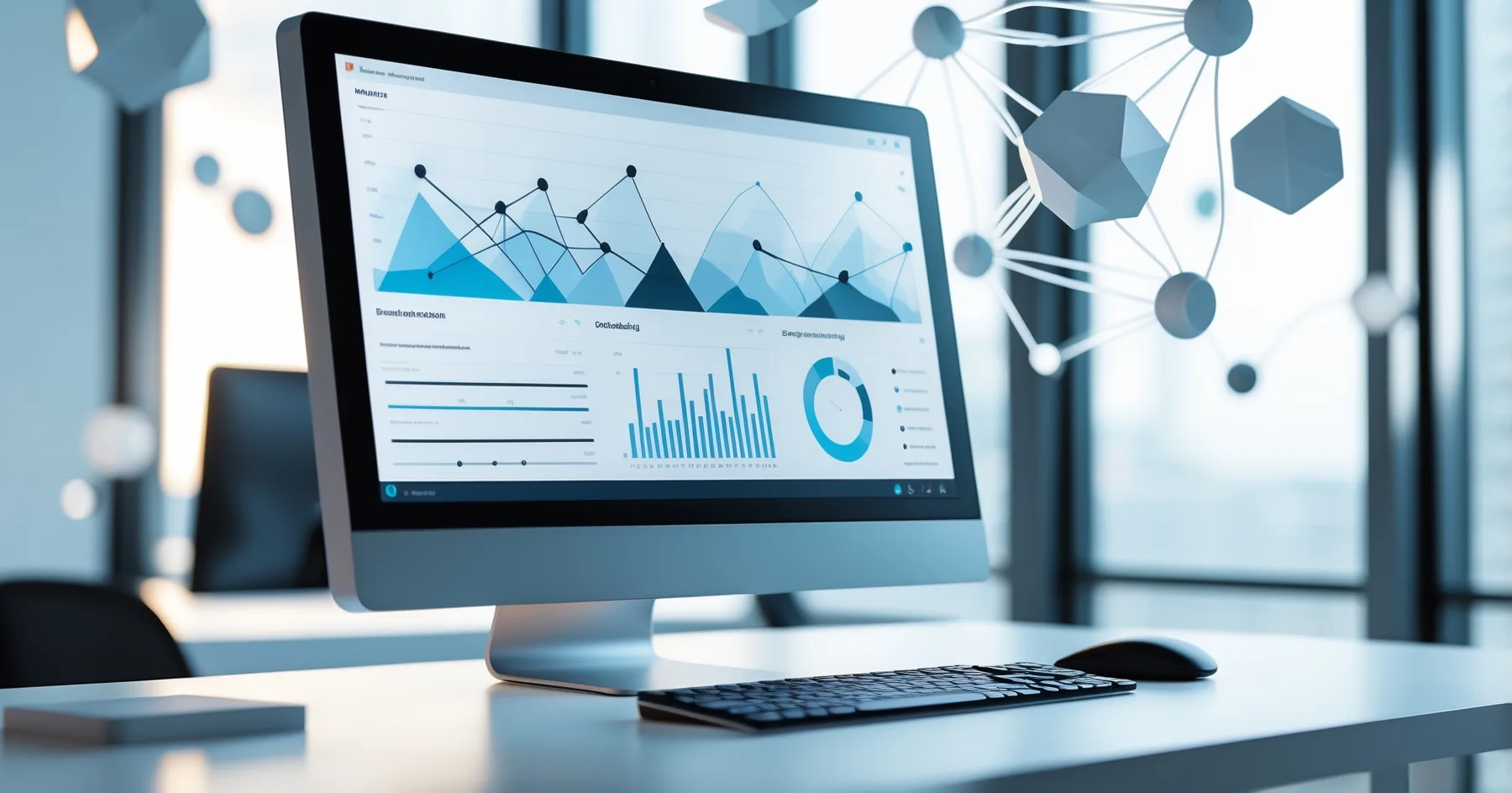
With Google's cookie phase-out now complete, many small businesses are struggling to understand their website visitors. Here's your practical guide to thriving in the cookie-free internet.
Is Your Website Ready for the Cookie-Free Internet? What Small Businesses Need to Know
If you've noticed your website analytics looking a bit thin lately, or your online advertising isn't performing as well as it used to, you're not alone. Google finally completed its third-party cookie phase-out in early 2026, and it's left many small business owners scratching their heads about how to understand their customers online.
Don't worry though , this isn't the end of the world for your business website. Let me walk you through what's happened and, more importantly, what you can do about it.
What Actually Changed (In Plain English)
Think of cookies like little name tags that websites stick on visitors. When someone visited your site, these tags helped you recognise them when they came back, and they also helped you track whether your Facebook or Google ads were working.
The problem was that some of these tags were a bit too nosy , following people around the internet without their permission. So browsers like Chrome decided to bin them for good. Now, instead of detailed visitor information, many business owners are seeing much vaguer data about who's visiting their websites.
Why This Matters for Your Business
If you've been relying on detailed analytics to understand your customers, you might have noticed:
- Your Google Analytics showing fewer visitors than before
- Difficulty tracking which marketing efforts are actually bringing in customers
- Less information about what people do on your website
- Challenges with retargeting ads (those ads that follow potential customers around)
For Sarah, who runs a independent bookshop in Bath, this meant she could no longer easily see which of her Instagram posts were driving people to browse specific book categories on her website. For Mike's plumbing business in Manchester, tracking which Google ads led to actual enquiries became much trickier.
Website Analytics Without Cookies: Your Options
First-Party Data is Your Best Friend
The good news? Information that customers willingly share with you (called first-party data) is more valuable than ever. This includes:
- Email addresses from your newsletter signup
- Contact forms and enquiry submissions
- Phone calls and direct messages
- Customer surveys and feedback
- Purchase history if you sell online
Start treating this information like gold. Every email address, every customer conversation, every review , it's all precious insight into what your customers actually want.
Privacy-Friendly Analytics Tools
Several analytics platforms have emerged that respect visitor privacy whilst still giving you useful insights:
Google Analytics 4 has adapted to work better without cookies, though the data looks different than before. If you're still using the old version, it's time to upgrade.
Privacy-focused alternatives like Plausible or Fathom Analytics provide simple, cookie-free website tracking that tells you the essentials: how many people visit, which pages they look at, and where they came from.
These tools won't give you the detailed visitor profiles you might be used to, but they'll show you the big picture without any privacy concerns.
Ask Your Customers Directly
This might sound obvious, but it's often overlooked. Instead of trying to guess what your website visitors want through complicated tracking, why not just ask them?
- Add a simple "How did you hear about us?" field to your contact forms
- Include a brief survey in your email signatures
- Ask new customers what made them choose you during your first conversation
- Use social media polls to understand what content your followers want
Small Business Website Tracking That Actually Works
Focus on What Really Matters
Instead of getting lost in endless analytics reports, concentrate on metrics that directly impact your business:
- Enquiries and phone calls , Are people contacting you?
- Newsletter signups , Are visitors interested enough to stay in touch?
- Page views on key pages , Are people finding your services or products?
- Time spent on site , Are visitors actually reading your content?
Use Your Website's Built-in Tools
Most modern websites have simple tracking built right in:
- Contact form submissions
- Newsletter signup notifications
- Comment and review systems
- Social media integration that shows shares and likes
These might not give you fancy charts, but they show real engagement from real people.
Track Offline Conversions
Remember, not everything happens online. Create systems to connect your digital efforts with real-world results:
- Use unique phone numbers for different marketing campaigns
- Ask customers to mention specific offers when they call
- Track appointment bookings that come through your website
- Monitor social media messages and comments
Cookie-Free Website Tips for Moving Forward
Build Direct Relationships
Without detailed tracking, building genuine relationships with your customers becomes even more important:
- Create valuable content that makes people want to visit your website regularly
- Offer incentives for email signups like helpful guides or exclusive offers
- Be active on social media where you can have real conversations with potential customers
- Follow up with enquiries quickly , personal service matters more than ever
Diversify Your Marketing
Don't put all your eggs in one digital basket. Mix online and offline marketing:
- Local networking and word-of-mouth referrals
- Email marketing to your existing customers
- Social media engagement in local community groups
- Traditional advertising like local radio or newspapers
- Partnerships with other local businesses
Keep It Simple
The most successful small business websites focus on doing a few things really well:
- Clear information about what you offer
- Easy ways for customers to get in touch
- Genuine testimonials and reviews
- Regular updates that show you're active and reliable
Making the Transition Work for You
The shift to a cookie-free internet isn't necessarily bad news for small businesses. In many ways, it's levelling the playing field. Big corporations can't hoover up as much personal data as before, which means authentic, local businesses have a better chance to connect with customers who genuinely want what they offer.
Focus on building a website that serves your customers well, creates genuine value, and makes it easy for people to get in touch with you. Track the metrics that matter to your business, not just the ones that look impressive in reports.
Remember, people have been running successful businesses long before detailed website analytics existed. The fundamentals haven't changed , provide excellent service, build relationships with your customers, and make sure people can find and contact you easily.
The cookie-free internet is here to stay, but with the right approach, your small business can thrive in this new landscape. It's all about getting back to basics: understanding your customers, providing value, and building genuine relationships that last.
Sources
- Google Privacy Sandbox: The end of third-party cookies
- Small Business Website Analytics in 2026: ICO Guidance
- Post-Cookie Marketing Strategies for SMEs
- Privacy-First Analytics: A Business Owner's Guide
- Federation of Small Businesses: Digital Privacy Report 2026
- UK Government Digital Markets Unit: Cookie Phase-out Impact Assessment
Got Questions?
Frequently Asked Questions
What exactly are cookies and why were they removed?
Will my website stop working without cookies?
What's the difference between Google Analytics and Google Analytics 4?
How can I tell if my marketing is working without detailed tracking?
Do I need to spend money on new analytics tools?
What should I do if my website analytics are showing fewer visitors than before?
Roger Udall
Full stack web developer based in Devizes, Wiltshire. Building bespoke web applications for small and medium businesses since 1999.
More about me