New Year Website Audit: Is Your Business Website Ready for 2024?
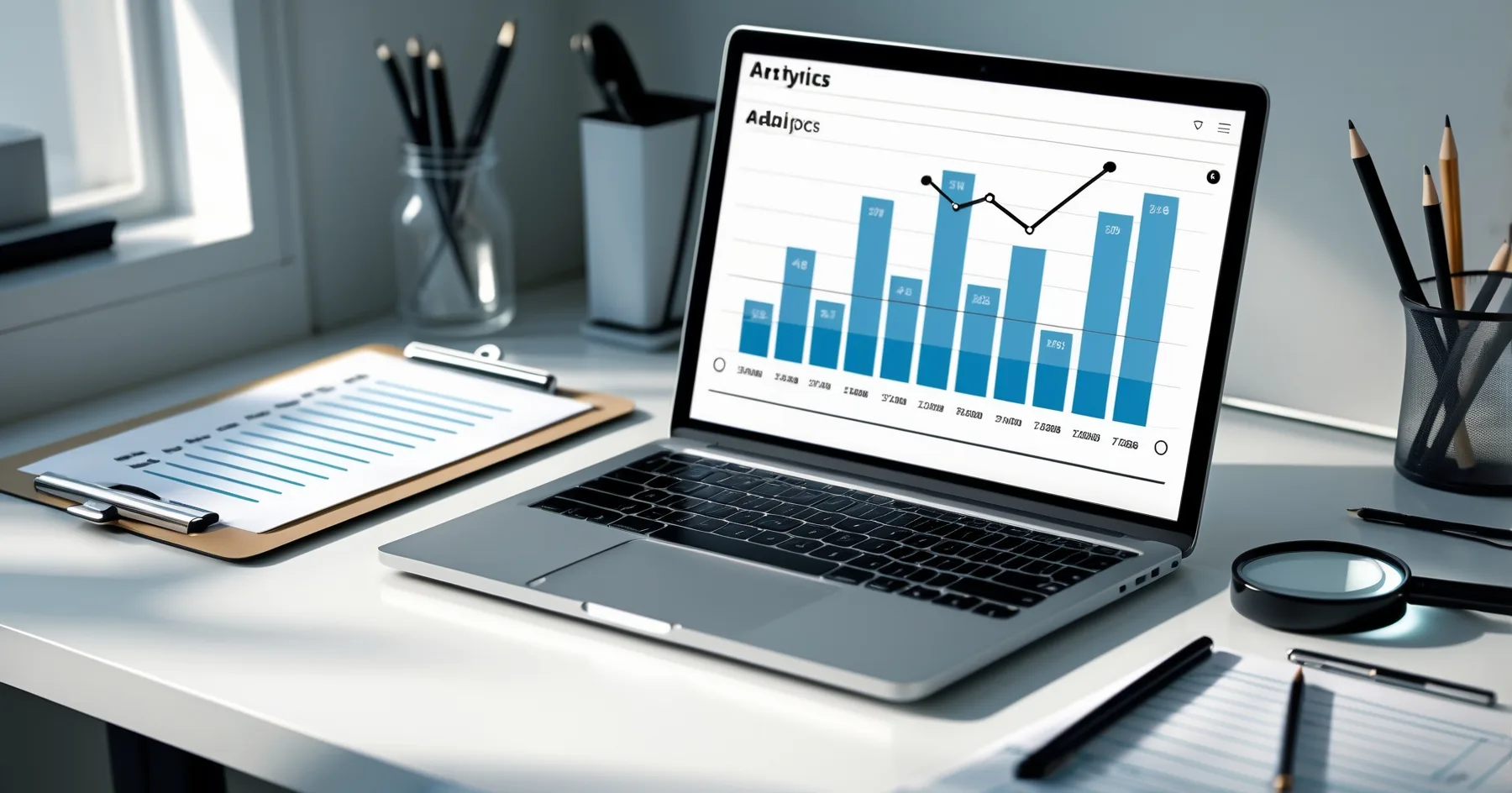
January is the perfect time to give your business website a thorough health check and identify what needs improving to drive more customers in 2024.
New Year Website Audit: Is Your Business Website Ready for 2024?
Right, let's have a proper chat about your website, shall we? It's January 2024, and whilst everyone else is busy making resolutions they'll abandon by February, you're thinking about your business. Smart move.
Your website is often the first impression potential customers get of your business. If someone searches for your services at 11pm on a Sunday (and trust me, they do), your website needs to be ready to welcome them, impress them, and convince them to choose you over your competitors.
So grab a cuppa, and let's walk through a proper website audit that'll set your small business up for success this year.
Why January is Perfect for a Small Business Website Review
Think of January as your website's MOT. You wouldn't drive around in a car that hasn't been checked for a year, would you? Your website deserves the same attention.
After a busy 2023, your website has likely accumulated some wear and tear. Pages might have gone out of date, links could be broken, and your mobile performance might need a tune-up. Plus, with everyone making fresh starts in January, it's the ideal time to ensure your website performance 2024 strategy is spot on.
The Essential Website Health Checks
Check for Broken Links and Missing Pages
Nothing screams "unprofessional" quite like clicking a link and landing on an error page. It's like having a shop sign that points to an empty building.
Take an hour to click through every link on your website. Yes, every single one. Check your:
- Navigation menu links
- Footer links
- Contact page phone numbers and email addresses
- Links to your social media pages
- Any external links to suppliers or partners
If you find broken links, fix them immediately. If you've removed a service or product page, make sure any links pointing to it are updated to redirect visitors somewhere useful instead.
Update Your Information and Prices
When did you last check if all your information is current? Be honest.
Go through your website with fresh eyes and look for:
- Opening hours (especially important if you changed them over Christmas)
- Contact details - phone numbers, addresses, email
- Prices - if you've put prices up, make sure your website reflects this
- Staff information - remove anyone who's left, add new team members
- Product or service descriptions - are they still accurate?
- "About Us" page - does it reflect where your business is today?
I once worked with a restaurant whose website still listed their 2019 Christmas menu in January 2023. Don't be that business.
Test Your Website on Mobile Devices
Here's a sobering thought: more than half your website visitors are probably using their phones. If your website looks rubbish on mobile, you're literally turning away customers.
Grab your phone right now and visit your own website. Really do it. How does it look?
- Can you easily read the text without zooming in?
- Are the buttons big enough to tap with your thumb?
- Does the navigation menu work properly?
- Can people easily find your phone number to call you?
- Do your images load quickly and look good?
If you're struggling to use your own website on your phone, imagine how frustrated your potential customers must be.
Review Your Website Speed
Slow websites are customer repellent. If your website takes more than a few seconds to load, people will give up and go to your competitors instead.
You can check your website speed using free tools like Google PageSpeed Insights. Just type in your website address and it'll tell you how fast your site loads and suggest improvements.
Common speed issues include:
- Images that are too large
- Too many plugins or widgets
- Outdated website technology
- Poor web hosting
The Big Question: Is Your Website Actually Making You Money?
This is where many small business owners go wrong. They focus on how pretty their website looks instead of whether it's actually bringing in customers.
Your website audit should include a hard look at whether your site is converting visitors into paying customers.
Check Your Contact Methods
Make it stupidly easy for people to get in touch with you:
- Is your phone number visible on every page?
- Do you have a simple contact form that actually works?
- Are your email addresses working properly?
- If you have a shop, are your address and opening hours crystal clear?
Test your contact form by filling it out yourself. You'd be surprised how many business owners discover their contact form has been broken for months.
Review Your Call-to-Action Buttons
What do you want visitors to do when they land on your website? Call you? Email you? Book an appointment? Buy something?
Whatever it is, make it obvious. Your main action should be prominent on every page. If you're a plumber, "Call Now for Emergency Repairs" should be impossible to miss. If you're a retailer, "Shop Now" or "Visit Our Store" needs to stand out.
Analyse Your Google Analytics
If you have Google Analytics set up (and you absolutely should), January is perfect for reviewing your 2023 data. Look for:
- Which pages are most popular?
- Where are visitors leaving your site?
- What devices are people using?
- How are people finding your website?
This information is gold dust for improving your website performance 2024.
Content That Actually Helps Your Customers
Whilst you're doing your small business website review, take a critical look at your content. Does it actually help your customers, or is it just filling space?
Good website content:
- Answers the questions your customers actually ask
- Shows you understand their problems
- Explains clearly how you can help
- Uses language your customers use (not industry jargon)
If you're a roofer, don't just list "roof repairs" - explain what signs suggest someone needs roof repairs and why they should act quickly.
Security and Backups: The Boring But Essential Stuff
I know, I know - security and backups aren't exciting. But imagine losing your entire website overnight. Not so boring now, is it?
Make sure you:
- Have recent backups of your website
- Keep your website software updated
- Use strong passwords
- Have an SSL certificate (your website address should start with https://)
If this sounds like gibberish, ask whoever looks after your website to check these things for you.
Planning Your 2024 Website Improvements
Once you've completed your website audit, you'll probably have a list of things that need fixing or improving. Don't try to tackle everything at once.
Prioritise like this:
- Fix anything broken (broken links, contact forms, etc.)
- Update outdated information (prices, contact details, opening hours)
- Improve mobile experience if it's poor
- Speed up your website if it's slow
- Add new content or improve existing pages
- Consider a complete redesign if your website is really outdated
Remember, small improvements often make a big difference. You don't need to rebuild everything from scratch.
Getting Professional Help
Some website issues you can fix yourself - updating text, checking links, adding new photos. But for technical problems or major improvements, it's worth getting professional help.
A good web developer will:
- Explain problems in plain English
- Give you practical solutions within your budget
- Help you prioritise the most important improvements
- Make sure any changes actually help your business
Your Website Audit Action Plan
Here's your mission for the next week:
- Day 1: Click through every link on your website
- Day 2: Check all your contact information and prices
- Day 3: Test your website on your phone
- Day 4: Check your website speed
- Day 5: Test your contact forms and phone numbers
- Day 6: Review your content - does it help customers?
- Day 7: Make a prioritised list of improvements needed
Don't put this off. Your competitors certainly won't be.
Ready for a Successful 2024
A proper website audit might not be the most glamorous way to start the new year, but it's one of the smartest investments you can make in your business. Your website works 24/7, 365 days a year - make sure it's working as hard as you are.
Remember, your website isn't just a digital business card. It's your hardest-working sales person, and like any good employee, it needs regular check-ups to perform at its best.
So, how did your website measure up? If you've discovered some issues that need professional attention, or if you'd like help planning your website performance 2024 strategy, I'm always happy to have a chat over a proper cup of tea.
After all, your success online starts with a website that works for your business, not against it.
Sources
Got Questions?
Frequently Asked Questions
What exactly is a website audit and why do I need one?
How long should it take me to do a website audit myself?
What's Google PageSpeed Insights and how do I use it?
How can I tell if my website is actually bringing in customers?
What should I do if I find problems I can't fix myself?
Why is mobile performance so important for my small business website?
Roger Udall
Full stack web developer based in Devizes, Wiltshire. Building bespoke web applications for small and medium businesses since 1999.
More about me