Why Your Business Website Needs an SSL Certificate in 2025 - Don't Let 'Not Secure' Warnings Scare Away Your Customers
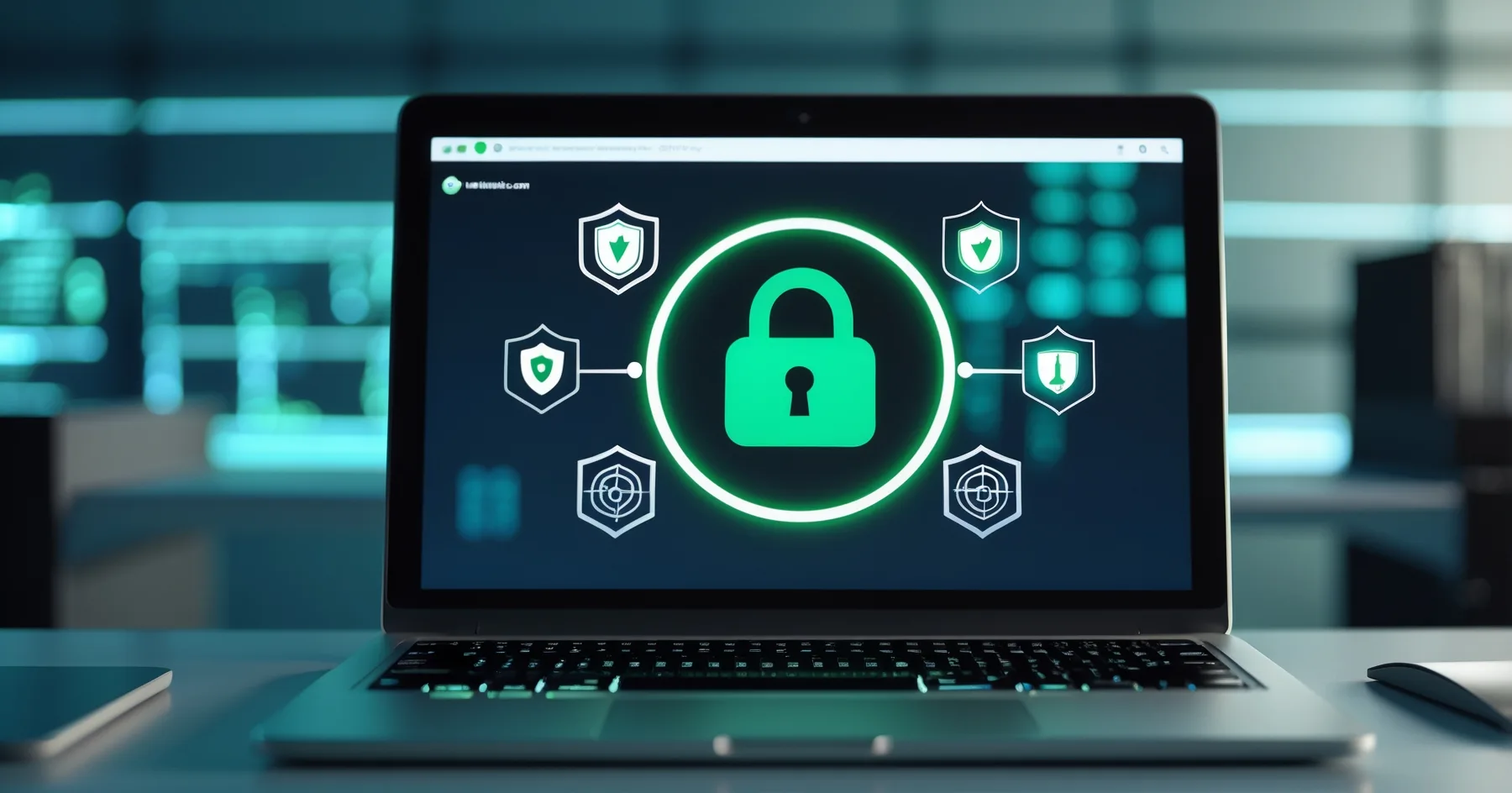
Chrome's updated security warnings are making customers think twice about visiting unsecured websites. Here's why your business needs an SSL certificate and how to get one without the tech headaches.
Why Your Business Website Needs an SSL Certificate in 2025 - Don't Let 'Not Secure' Warnings Scare Away Your Customers
Picture this: a potential customer searches for your business online, finds your website, and clicks through to have a look. But instead of being greeted by your welcoming homepage, they see a big, scary warning from Chrome telling them your site is "Not Secure." What do you think happens next? They click away faster than you can say "lost sale."
If this scenario sounds familiar, you're not alone. Following Chrome's updated security warnings in late 2025, thousands of small businesses across the UK are watching potential customers bounce off their websites before they've even had a chance to see what's on offer. The good news? This problem has a straightforward solution that doesn't require a computer science degree to understand.
What Exactly Is This 'Not Secure' Warning About?
Let's start with the basics. When you visit a website, your browser (Chrome, Safari, Firefox, etc.) checks whether that site has something called an SSL certificate. Think of an SSL certificate as a digital padlock that keeps information secure as it travels between your customer's computer and your website.
When Chrome shows that dreaded "Not Secure" warning, it's essentially telling your visitors that your website doesn't have this digital padlock. Even if your website doesn't handle sensitive information like credit card details, Chrome doesn't discriminate , it flags any site without an SSL certificate small business owners often overlook.
Why Chrome Got Stricter in 2025
Chrome's latest updates have made these warnings more prominent and frequent. Google's reasoning is simple: they want to make the entire internet safer for everyone. Whilst this is admirable, it's caught many small business owners off guard who suddenly found their perfectly good websites being flagged as unsafe.
The warning appears regardless of whether you're running a simple brochure website for your plumbing business or a full online shop. Chrome doesn't care if you're just displaying your opening hours and phone number , no SSL certificate means a security warning.
The Real Cost of Ignoring Website Security 2025
You might think, "My website just shows my services and contact details , surely people won't be put off by a little warning?" Unfortunately, that's not how it works in practice.
Customer Trust Takes a Hit
When someone sees a "Not Secure" warning, their first instinct isn't to think, "Oh, this is probably just a technical oversight." Instead, they wonder: "Is this business legitimate? Could this website harm my computer? Should I look elsewhere?"
In today's world, where everyone's heard horror stories about online scams and identity theft, people are naturally cautious. That security warning plants a seed of doubt that's often enough to send them straight to your competitor's website instead.
Your Google Rankings Suffer Too
Google has been clear about this for years: websites with SSL certificates get a small boost in search rankings, whilst those without may find themselves slipping down the results pages. It's not the most significant ranking factor, but in competitive markets, every little advantage counts.
Mobile Users Are Particularly Affected
With more people browsing on their phones than ever before, mobile security warnings can be especially off-putting. On a smaller screen, that warning message takes up a significant portion of what the user can see, making it even more likely they'll abandon your site.
How to Tell If Your Website Needs an SSL Certificate
Checking whether your website has an SSL certificate is surprisingly simple. Open your website in Chrome and look at the address bar. Here's what to look for:
- Good sign: You see a small padlock icon next to your website address, and the URL starts with "https://"
- Problem: You see "Not Secure" text, or your URL only starts with "http://" (no 's')
If you're seeing the problem signs, don't panic. This is easily fixable, and you don't need to rebuild your entire website to sort it out.
Getting an SSL Certificate: Easier Than You Think
Here's where many business owners expect me to launch into complicated technical explanations. Instead, let me give you the practical, straightforward approach.
Option 1: Contact Your Web Designer or Developer
If someone built your website for you, they're usually the best first port of call. Most web professionals can sort out an SSL certificate small business owners need within a day or two. The cost typically ranges from £20 to £100 per year, depending on your specific requirements.
Option 2: Speak to Your Website Hosting Company
Your hosting company (the people who keep your website online) often provide SSL certificates as part of their service. Many now include basic SSL certificates for free with their hosting packages. Give them a call , they might be able to sort this out with a simple phone conversation.
Option 3: If You Built Your Own Website
Used a website builder like Wix, Squarespace, or WordPress.com? Good news , most of these platforms can enable SSL certificates with just a few clicks in your account settings. Look for options like "Security," "SSL," or "HTTPS" in your website's control panel.
What to Expect During the Process
Once you've arranged for an SSL certificate to be installed, the actual process usually takes anywhere from a few minutes to 24 hours to complete. During this time, your website remains online and accessible.
After installation, you should see that padlock icon appear in your browser's address bar when you visit your site. Your website address will also change from "http://" to "https://" , the 's' stands for 'secure'.
Beyond Just Fixing the Warning
Whilst getting rid of Chrome's "Not Secure" warning is the immediate goal, having an SSL certificate brings other benefits:
- Customer confidence: Visitors feel more comfortable sharing their contact details through your enquiry forms
- Professional appearance: The padlock icon signals that you take your online presence seriously
- Future-proofing: As website security 2025 standards continue to evolve, you'll be ready for whatever comes next
Don't Let Technical Worries Hold You Back
I understand that anything involving website security can feel overwhelming, especially when you'd rather focus on running your business. The key thing to remember is that you don't need to understand the technical details , you just need to know it's important and take action.
Think of it like the MOT for your car. You don't need to understand exactly how the brake system works, but you know you need that certificate to keep driving legally and safely. An SSL certificate works similarly for your website.
Taking Action This Week
If you've discovered your website is showing that "Not Secure" warning, don't put off fixing it. Every day you wait is another day of potential customers being put off by security warnings.
Start by checking your website in Chrome right now. If you see any security warnings, make getting an SSL certificate your priority for this week. Whether that means calling your web designer, contacting your hosting company, or exploring your website builder's settings, take that first step today.
Your customers will thank you for it , and more importantly, they'll stick around long enough to see what your business has to offer.
Sources
Got Questions?
Frequently Asked Questions
What is an SSL certificate in simple terms?
How much does an SSL certificate cost for a small business?
Will my website go offline whilst an SSL certificate is being installed?
I only have a simple website that doesn't take payments - do I still need an SSL certificate?
How can I check if my website already has an SSL certificate?
Who should I contact to get an SSL certificate for my website?
Roger Udall
Full stack web developer based in Devizes, Wiltshire. Building bespoke web applications for small and medium businesses since 1999.
More about me