Why Your Small Business Website Needs SSL in 2024: A Plain English Guide
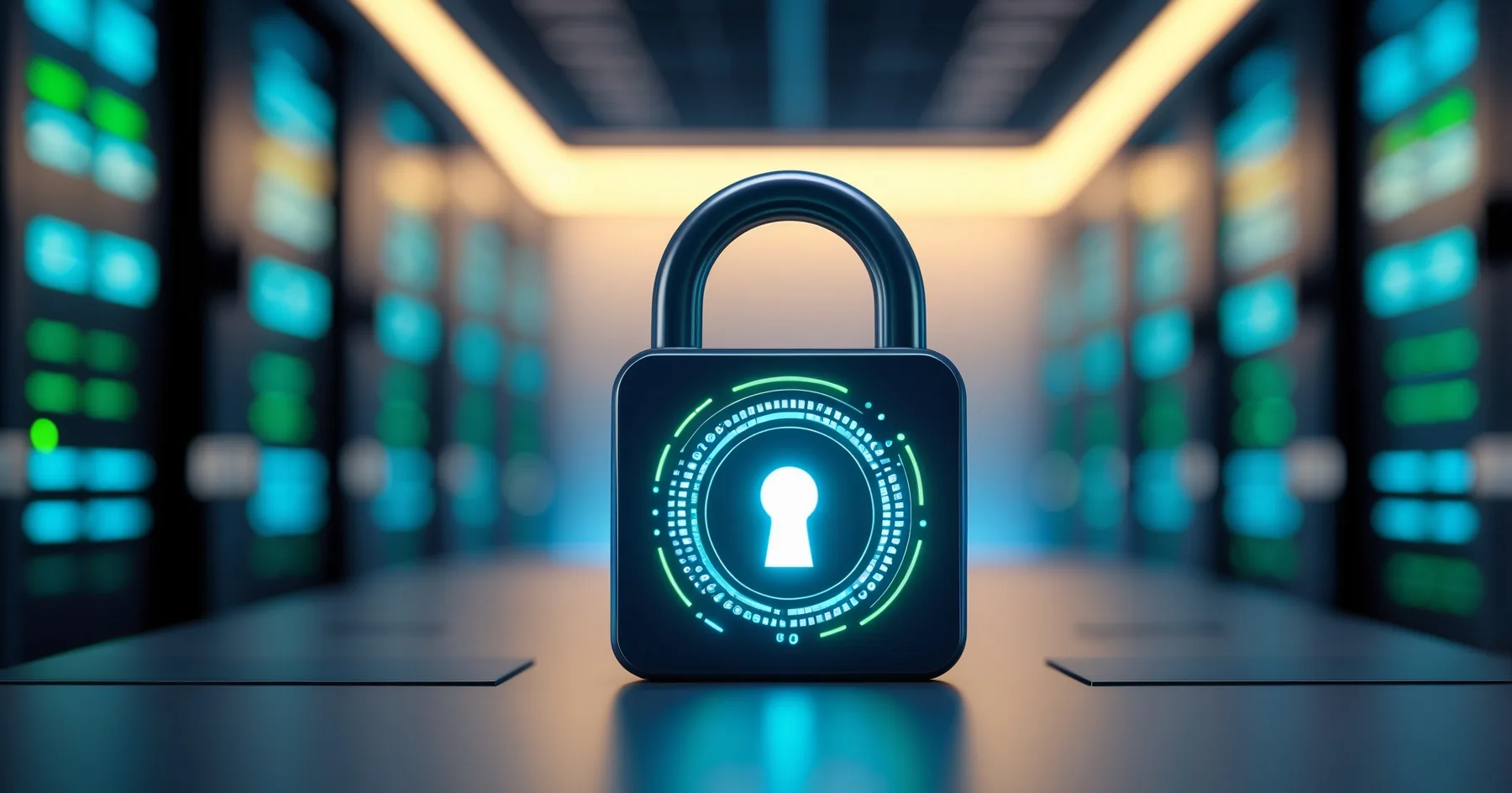
Google Chrome is getting stricter about website security, and small businesses without SSL certificates are seeing more customer trust issues than ever before.
Picture this: a potential customer visits your website, ready to make a purchase or book your services. But instead of seeing your beautiful homepage, they're greeted with a scary warning message about your site being "not secure." Within seconds, they've clicked away to your competitor.
This scenario is happening more frequently in 2024, and it's all down to something called SSL certificates. If you're a small business owner who's heard this term thrown about but aren't quite sure what it means (or why you should care), this guide is for you.
What Exactly Is SSL? (In Plain English)
SSL stands for Secure Sockets Layer, but forget the technical name. Think of an SSL certificate as a security guard for your website. It creates a secure, encrypted connection between your website and your visitors' browsers.
You can spot a website with SSL because the web address starts with "https://" instead of just "http://" - that little 's' stands for 'secure'. You'll also see a small padlock icon next to the web address in most browsers.
Without SSL, any information that travels between your website and your visitors - like contact details, payment information, or even just browsing habits - can potentially be intercepted by cybercriminals. With SSL, this information is scrambled and protected.
Google Chrome's 2024 Security Push
Google Chrome, which accounts for roughly 65% of all web browsing, has been steadily increasing its security warnings throughout 2024. The browser now displays much more prominent "Not Secure" warnings for websites without SSL certificates, especially when visitors try to enter any information.
What's changed this year is that Chrome has become more aggressive about these warnings. Previously, you might have seen a subtle grey icon in the address bar. Now, visitors to non-SSL websites often see pop-up warnings that explicitly tell them the site "is not secure" and suggest they "don't enter any sensitive information."
For small businesses, this is particularly damaging because these warnings appear even for basic contact forms or newsletter sign-ups - not just payment pages.
Why Website Security 2024 Matters More Than Ever
Customer Trust Is Everything
Your customers are becoming increasingly security-conscious. A 2024 study found that 84% of shoppers would abandon a purchase if they discovered a website wasn't secure. That's not just online shops either - this applies to any business website where visitors might enter their details.
Imagine you run a local plumbing business. A homeowner with a burst pipe finds your website at 10 PM and wants to fill in your emergency contact form. If they see a security warning, they're likely to assume your business isn't professional or trustworthy, and they'll call your competitor instead.
Search Engine Rankings
Google has been using HTTPS as a ranking factor since 2014, but its importance has grown significantly. In 2024, having an SSL certificate isn't just nice to have - it's expected. Websites without SSL certificates often find themselves ranking lower in search results, meaning fewer potential customers can find them.
Professional Credibility
Having SSL has become as basic as having a professional email address. A website without SSL in 2024 looks outdated and unprofessional, regardless of how good your actual products or services are.
The Real Cost of Not Having SSL
Let's talk numbers. If your website gets 100 visitors per month and typically 5% of them get in touch, that's 5 potential customers. But if Chrome's security warnings scare away even half of your visitors, you're potentially losing 50 visitors and 2-3 potential customers every month.
For a business where the average customer is worth £500, that's £1,000-1,500 in lost revenue monthly - far more than the cost of an SSL certificate.
Getting SSL for Your Small Business Website
The Good News: It's Easier Than You Think
Getting an SSL certificate for your small business website isn't as complicated or expensive as it used to be. Many web hosting companies now include SSL certificates for free with their hosting packages. If you're not sure whether your current hosting includes SSL, it's worth checking with them first.
What to Ask Your Web Developer or Hosting Company
If you're not technically minded, here are the key questions to ask:
- "Does my website currently have SSL?"
- "If not, can you arrange SSL for me and how much will it cost?"
- "How long will it take to set up?"
- "Will there be any downtime for my website?"
Most reputable web developers can arrange SSL certificates quickly and affordably. The process typically takes anywhere from a few hours to a few days, depending on the type of certificate and your hosting setup.
Types of SSL Certificates
For most small businesses, a basic SSL certificate (sometimes called Domain Validated or DV) is perfectly adequate. These typically cost between £10-50 per year, though many hosting companies include them for free.
If you're an e-commerce business handling lots of transactions, you might want to consider an Extended Validation (EV) certificate, which provides additional verification and shows your company name in the browser bar. These cost more (usually £100-300 per year) but provide extra reassurance for customers making purchases.
Signs Your Website Needs SSL Right Now
- Your web address starts with "http://" instead of "https://"
- You don't see a padlock icon in your browser's address bar when viewing your site
- You have any forms on your website (contact forms, newsletter sign-ups, quote requests)
- You've noticed a drop in website enquiries or conversions recently
- Google Search Console shows security warnings for your site
Making the Switch: What to Expect
Once your SSL certificate is installed, you should see immediate benefits:
- The padlock icon appears in browsers
- Security warnings disappear
- Your search engine rankings may improve over time
- Customer confidence increases
The transition is usually seamless for visitors, but it's worth checking your website thoroughly afterwards to ensure everything works correctly, particularly any contact forms or booking systems.
Looking Forward: SSL as Standard Practice
By 2024, having an SSL certificate isn't a luxury or an optional extra - it's as essential as having a phone number on your website. The security warnings from Chrome and other browsers will only become more prominent, and customer expectations for website security continue to rise.
If you're a small business owner who's been putting off SSL because it seemed too technical or expensive, now is the time to act. The cost of not having SSL - in terms of lost customers, damaged reputation, and poor search rankings - far outweighs the small investment required to get it sorted.
The best part? Once it's set up, SSL certificates typically renew automatically, so you can focus on running your business rather than worrying about website security warnings driving away your customers.
Sources
Google Developers - HTTPS as a ranking signal
Chrome Platform Status - Secure contexts
Got Questions?
Frequently Asked Questions
What does SSL actually stand for and what does it do?
How can I tell if my website already has SSL?
How much does SSL cost for a small business?
Will getting SSL cause my website to go offline?
I'm not technical - can someone else set up SSL for me?
What happens if I don't get SSL for my website?
Roger Udall
Full stack web developer based in Devizes, Wiltshire. Building bespoke web applications for small and medium businesses since 1999.
More about me