Spring Website Refresh: Why February is the Perfect Time to Update Your Small Business Site
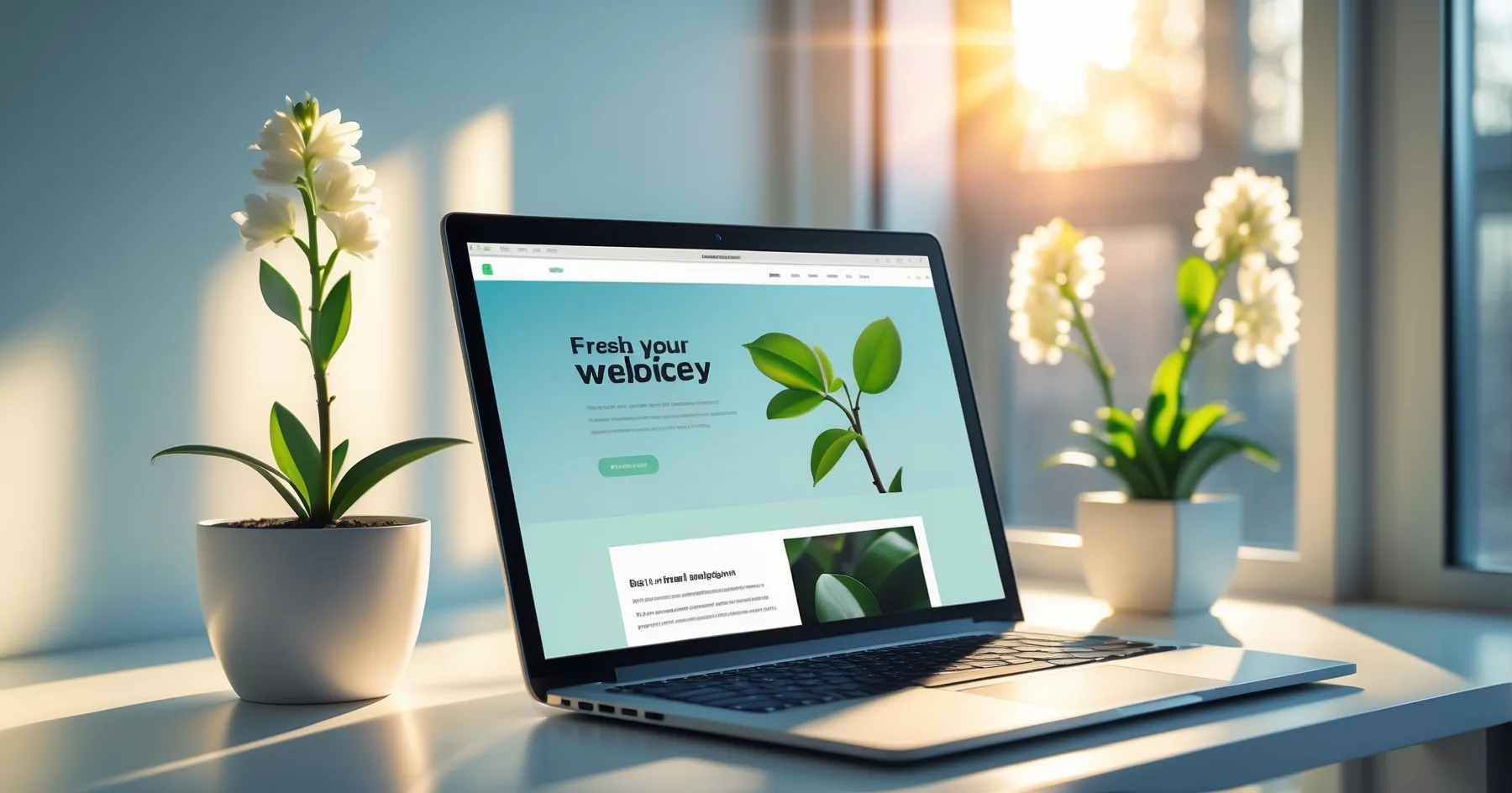
February offers the perfect window for small business owners to refresh their websites before the busy spring season kicks in.
Spring Website Refresh: Why February is the Perfect Time to Update Your Small Business Site
As we settle into February 2025, there's something wonderfully optimistic about this time of year. The Christmas rush is behind us, the January blues are lifting, and we're starting to see those first hints of spring around the corner. For small business owners, this makes February absolutely perfect for tackling something that's probably been on your to-do list for months: giving your website a proper refresh.
Why February Works So Well for Website Updates
Think about it , February is traditionally the quietest month for most businesses. Your customers are recovering from their Christmas spending, the January sales have wound down, and you've finally got a moment to catch your breath and plan ahead. This natural lull creates the ideal conditions for website maintenance without the pressure of peak trading periods.
The Spring Trading Advantage
By March and April, things start picking up again. People begin thinking about home improvements, garden makeovers, booking holidays, and generally emerging from their winter hibernation with renewed enthusiasm for spending. If you can get your small business website refresh sorted in February, you'll be perfectly positioned to capture this spring surge in consumer confidence.
It's a bit like preparing your shop window before the busy season , except your website is working for you 24/7, even when you're asleep.
What Does a Website Refresh Actually Mean?
Don't worry , we're not talking about a complete rebuild that costs thousands of pounds. A website refresh is more like giving your site a thorough spring clean and making sure everything's working as it should be.
Content That Actually Reflects Your Business
When did you last read through your website properly? If you're like most business owners, it's probably been a while. Your services might have evolved, your prices may have changed, and that 'recent project' from 2022 is looking decidedly less recent.
Take an afternoon to go through each page with fresh eyes. Update your service descriptions, refresh your pricing (if you show it), and make sure your contact details are spot on. It's amazing how often businesses move premises or change phone numbers without updating their website.
Photos That Don't Look Like Stock Images
We've all seen those generic stock photos , the impossibly perfect office with models pretending to have a meeting, or the handshake shot that screams 'we bought this image online'. February is perfect for arranging some proper photos of your actual business, your real team, and your genuine work.
Even smartphone photos can work brilliantly if they're authentic. A picture of your actual workshop, your real van with your signage, or you actually doing the work you do will always beat generic stock imagery.
Technical Housekeeping (The Boring but Important Bits)
Speed Matters More Than Ever
Website speed has become absolutely crucial. If your site takes more than three seconds to load, you're losing potential customers faster than you can say 'website maintenance'. The good news is that often, simple fixes can make a dramatic difference.
Large images are usually the biggest culprit. Those high-resolution photos might look fantastic, but if they're slowing your site down, they're actually hurting your business. A professional can optimise these without losing quality, but even basic compression tools can help.
Mobile-First Thinking
By 2025, most of your customers are finding you on their phones first, not their computers. Your website needs to work perfectly on a small screen , easy to read, simple to navigate, and with buttons that are actually large enough to tap without accidentally calling someone.
Test your site on your own phone. Better yet, ask a friend or family member to try finding something specific on your website using their mobile. You'll quickly discover if there are any frustrating bits that need sorting.
Security Updates
This might sound technical, but it's actually quite straightforward. Most modern websites are built on platforms that regularly release security updates. Think of it like updating your phone's operating system , it's essential for keeping everything secure and running smoothly.
If you're not comfortable handling this yourself, it's exactly the sort of thing a web professional can sort out quickly and affordably.
Content Strategy for Real Businesses
The Power of Local SEO
Make sure your website clearly states where you operate. If you're a plumber in Sheffield, don't be shy about saying so. Include your local area in your page titles, mention the towns you cover, and consider adding a dedicated page about your local services.
Google has become incredibly good at matching local searches with local businesses, but you need to help it understand where you are and who you serve.
Customer Reviews and Testimonials
February is perfect for gathering fresh testimonials. Reach out to recent customers and ask for honest feedback. A few genuine reviews on your website can be worth their weight in gold for building trust with potential new customers.
Don't overthink this , a simple email asking if they'd mind sharing their experience often works better than complicated review systems.
Planning Your Small Business Website Refresh
Start with a Simple Audit
Spend an hour going through your website as if you're a potential customer. Note down anything that's out of date, confusing, or simply not working. This becomes your action list.
Budget Realistically
A website refresh doesn't have to break the bank. Many improvements can be made for the cost of a few hours' professional help, and some things you can tackle yourself with a bit of guidance.
Time It Right
Starting your refresh in early February gives you the whole month to get things sorted before the spring pickup. Don't try to do everything at once , prioritise the changes that will have the biggest impact on your business.
Making It Happen
The key to a successful website refresh is treating it like any other important business task. Set aside specific time, make a realistic plan, and don't let perfectionism stop you from making good improvements.
Remember, your website is working for your business right now, even as you read this. Every improvement you make, however small, is an investment in attracting and keeping customers.
February's quiet period won't last forever, so why not use this time to give your online presence the attention it deserves? By the time spring arrives and your customers are ready to spend again, you'll have a website that's working harder than ever to grow your business.
Your future self , and your bank balance , will thank you for taking action now rather than putting it off for another year.
Sources
Got Questions?
Frequently Asked Questions
What exactly is a 'website refresh' and how is it different from rebuilding my entire website?
What is Local SEO and why does it matter for my small business?
How much should I expect to spend on a website refresh?
I'm not very technical - what parts of a website refresh can I actually do myself?
Why is website speed so important, and how do I know if my site is too slow?
How do I know if my website works properly on mobile phones?
Roger Udall
Full stack web developer based in Devizes, Wiltshire. Building bespoke web applications for small and medium businesses since 1999.
More about me